From Napkin Sketch to Live App: How Anyone Can Build Without Writing Code
This post is about Autobahn Bot, which is paused for maintenance right now. What it describes is not available until it reopens. Product page
You don't need a computer science degree or terminal wizardry to build software. Discover how everyday creators are turning napkin sketches into live, interactive web tools in a single afternoon.

From Napkin Sketch to Live App: How Anyone Can Build Without Writing Code
For as long as the internet has existed, building a custom web tool required one of two things: years of studying programming syntax, or thousands of dollars to hire an agency.
If you owned a neighborhood bakery and wanted a clean daily flavor-voting poll, or if you were a teacher organizing a student science-fair showcase, your choices were painfully limited: struggle with clunky generic site builders or give up entirely.
That barrier is officially gone.
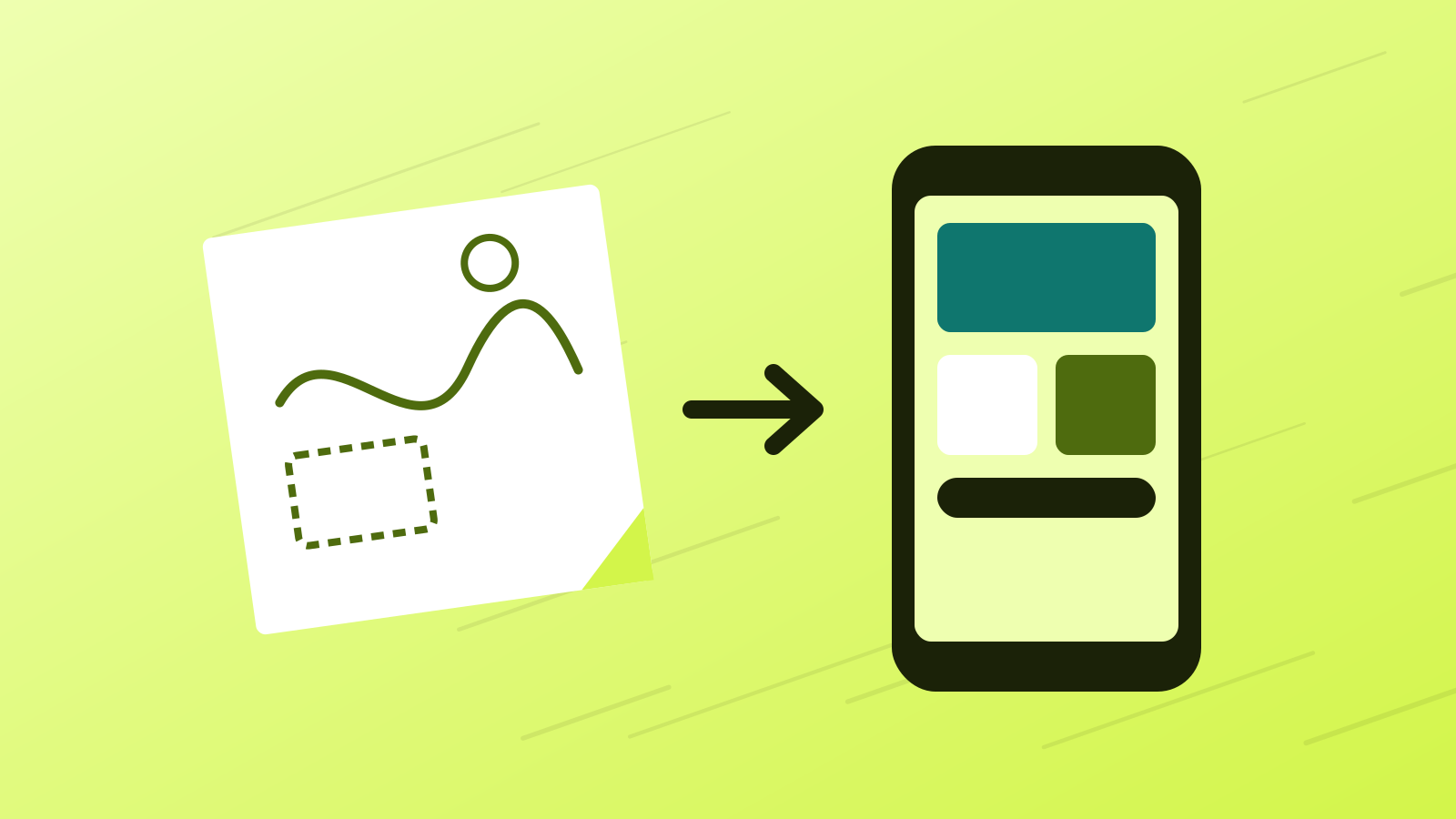
At Autobahn Bot, we have watched teachers, community organizers, cafe managers, and visual designers take a raw idea drawn on a paper napkin and turn it into a fast, live web application in under an hour.
Here is exactly how anyone can do it—without writing a single line of code.
Step 1: Speak Your Idea in Human Words
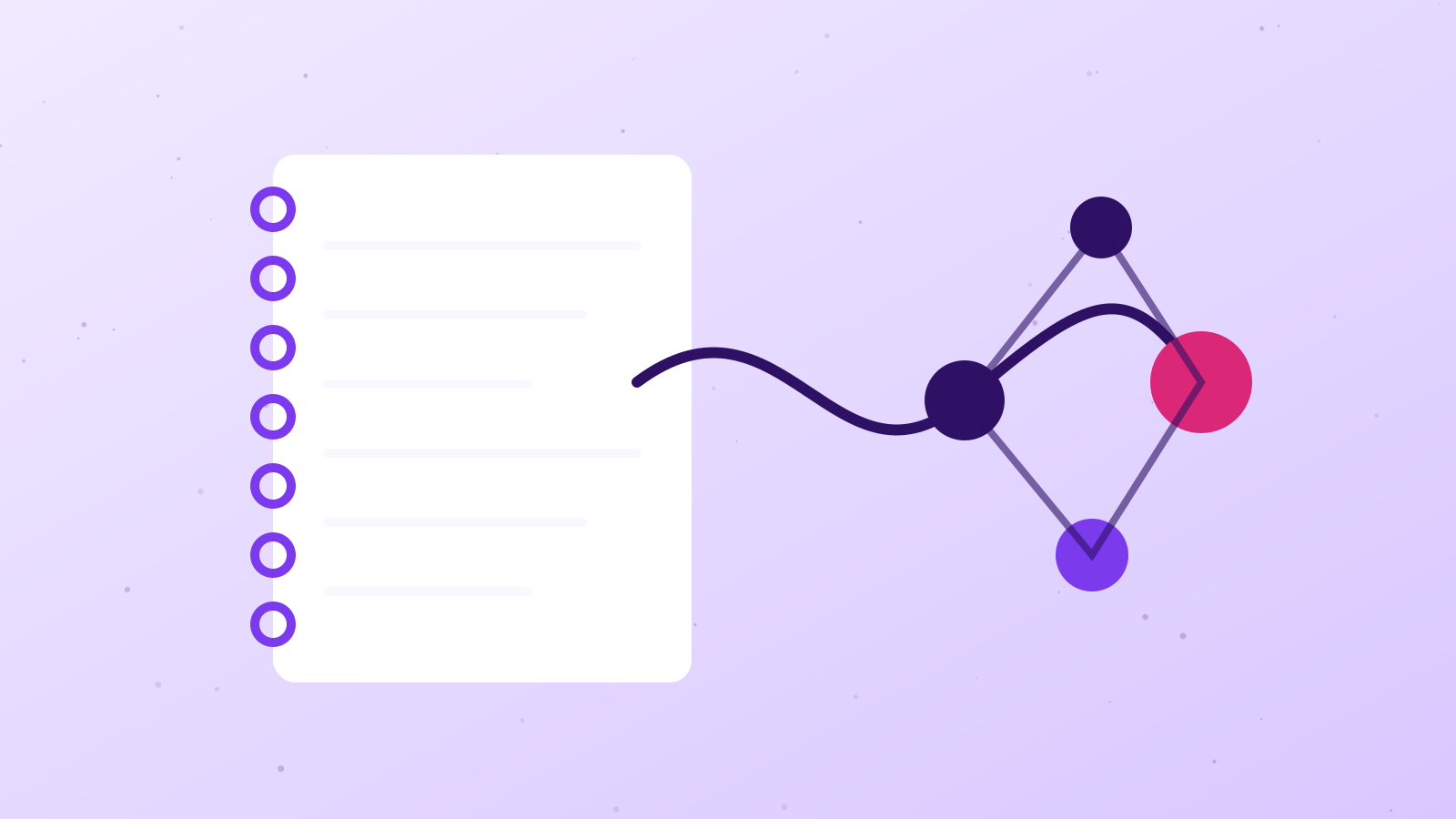
When you open Autobahn Bot, you won't see an intimidating wall of code files or a blinking command prompt. In Simple Mode, your workspace is a welcoming conversation canvas.
Instead of writing functions, you simply describe what you want the app to do:
"I run a neighborhood coffee roastery. I want a daily voting page where customers can tap their favorite seasonal blend, see live vote percentages, and read tasting notes with a warm Tokyo Night aesthetic."
Notice what you did not have to say: you didn't mention databases, responsive breakpoints, or API routes. You focused purely on the human experience.
Step 2: The Blueprints Guide the Layout
Instead of staring at a blank screen wondering what to ask for next, you can start with a Blueprint—guided creation wizards tailored for common everyday tools:
- Interactive Showcase: Portfolios, restaurant menus, and product catalogs.
- Feedback & Voting Boards: Community polls, suggestion boxes, and feature wishlists.
- Utility Dashboards: Personal fitness counters, study schedule planners, and budget trackers.
Autobahn's orchestrator automatically selects harmonious color palettes, readable fonts, and responsive cards that look stunning on both mobile phones and desktop displays.
Step 3: Fearless Experimentation with the 30-Second Undo Window
The biggest fear non-developers face when working with technology is: "What if I break something?"
We solved this with our 30-Second Universal Safety Net. Every time you suggest a change—like "make the vote buttons green" or "add a note about oat milk":
- 1The app updates in real-time in the live preview pane on your right.
- 2A floating undo button appears for 30 seconds.
- 3If you don't like the new look, one tap reverts the entire change instantly.
There are no mistakes you can't walk back with a single click.
Step 4: Live on Your Personal Link in 60 Seconds
When your application looks and feels right, there is no complicated deployment dance. You don't need to configure cloud servers or buy DNS records.
Your app is instantly assigned its own dedicated, secure address:
https://your-cafe-poll.autobahn.bot
You can copy the link, send it in a group chat, put it on an Instagram story, or print it as a QR code on your cafe counter. Anyone in the world can open it immediately on their phone.
Creation Belongs to Everyone
Technology is at its best when it removes gatekeepers. You have unique knowledge, creativity, and community needs that no generic software can fully capture.
Grab a pen, sketch your idea on whatever paper is near you, and jump into Autobahn Bot. The road is open, and creation is finally yours.
Developer Advocate. Empowers builders with accessible workflows, practical guides, and delightful developer experiences. A pen name of the autobahn.bot team.