From Idea to Live Subdomain in 60 Seconds: The Anatomy of a Vibe Blueprint
This post is about Autobahn Bot, which is paused for maintenance right now. What it describes is not available until it reopens. Product page
No cloud dashboards, no DNS records, no deployment headaches. Step inside our automated deployment loop that turns a single sentence into a live, interactive web app on your personal subdomain.

From Idea to Live Subdomain in 60 Seconds: The Anatomy of a Vibe Blueprint
There is a moment that kills creative momentum for almost every creator: the deployment wall.
You have an idea for a web tool, a portfolio, or a business dashboard. You describe it to an AI, and it generates some code in a sandbox. But then comes the traditional reality: Setting up a Git repository. Connecting a hosting provider. Configuring build commands and environment variables. Waiting for DNS propagation.
By the time the site is live, 45 minutes have passed, and the spark of inspiration is gone.
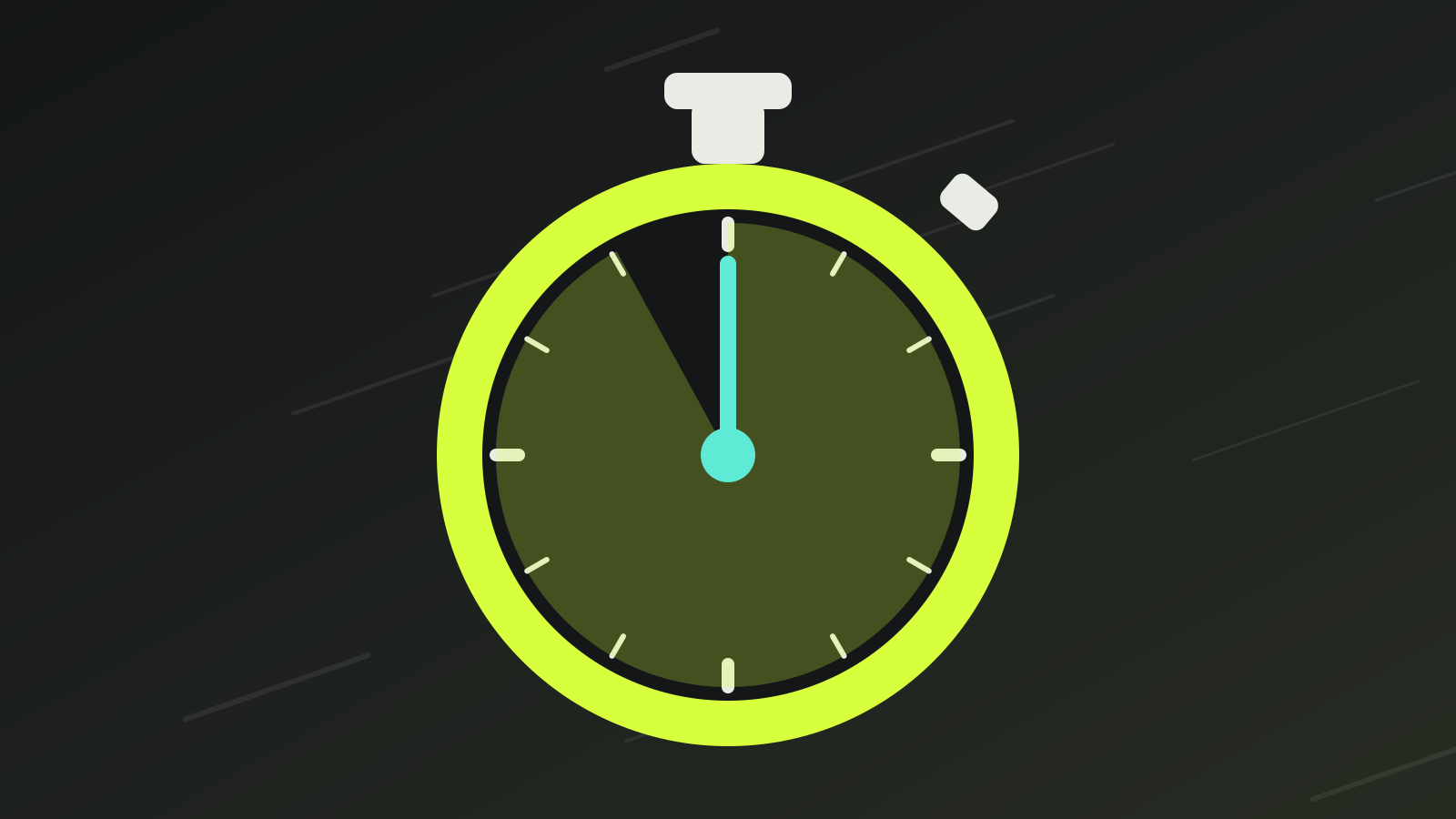
In Autobahn Bot, we re-engineered this entire journey down to under 60 seconds.
Here is how you go from a single sentence to a live, production-ready application on https://{subdomain}.autobahn.bot.
Step 1: Start with a Blueprint (0 to 10 seconds)
Instead of a blank canvas, start with one of our Blueprints—guided wizard flows designed for common project archetypes (Project Kickstart, AI Persona, Feature Builder, or Learning Path).
Pick a Blueprint and type your vision: > "A minimalist task board with priority badges, local persistence, and our signature Tokyo Night dark aesthetic."
Step 2: Deterministic Assembly (10 to 35 seconds)
Watch your screen as the Autobahn Orchestrator gets to work: It derives your AppSpec palette and view layout. It grabs a warm Node container with pre-cached packages. It builds your components with verified typing and responsive layouts. It runs local syntax verification in the sandbox to ensure clean compilation.
Step 3: Instant Live Preview with Countdown (35 to 45 seconds)
Your application appears in the interactive preview pane. A live 10-second countdown gives you immediate feedback: Test buttons, forms, and animations directly inside the preview. If something looks off, simply type your adjustment. If you changed your mind, use the 30-second universal undo button* to reset in one click.
Step 4: Live on Your Personal Subdomain (45 to 60 seconds)
The moment your project passes its initial verification, it is already live at its dedicated URL:
https://your-project.autobahn.bot
Thanks to our automated wildcard SSL and direct container IP routing, there are no DNS records to touch. You can copy the link, send it to a friend, or open it on your phone immediately.
Creation at the Speed of Thought
We built Autobahn Bot because software creation should feel like pure imagination flowing into reality. The friction is gone. The speed limit is removed.
Jump into the studio and build your first live app today!
Developer Advocate. Empowers builders with accessible workflows, practical guides, and delightful developer experiences. A pen name of the autobahn.bot team.